Last updated 19 October 2026
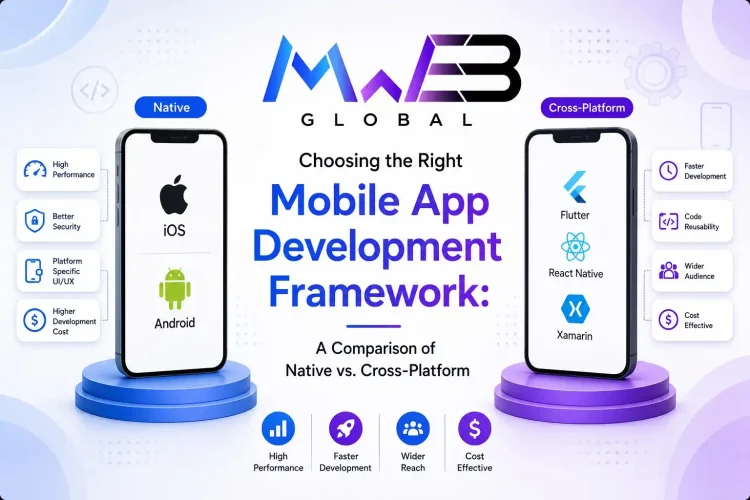
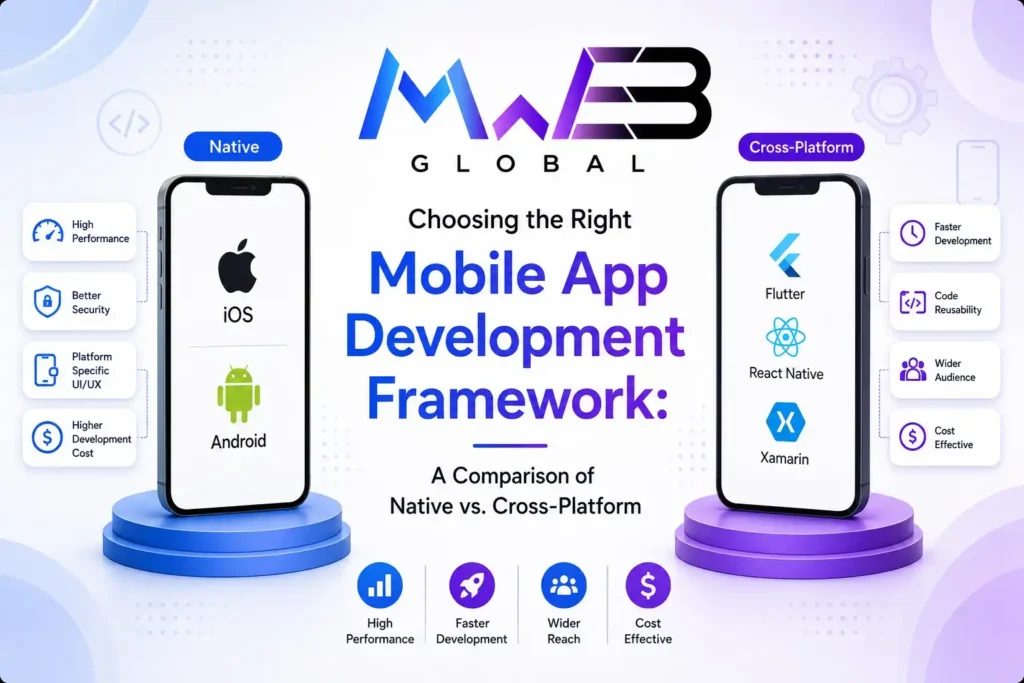
Native vs cross-platform is the first big decision in any mobile app project, and it shapes your budget, your launch date and how easily your app can grow. Choose native and you build separate apps for iOS and Android with each platform’s own tools. Choose cross-platform and you build one app, usually with Flutter or React Native, that runs on both.
There’s no single right answer. This guide explains how each approach works in 2026, compares cost, speed, performance and maintenance, sets out how Flutter and React Native differ today, and ends with a simple checklist to help you decide what’s best for your app.
In this guide
- The short answer
- What native app development means
- What cross-platform app development means
- Native vs cross-platform: side-by-side comparison
- Flutter vs React Native in 2026
- Other options: Kotlin Multiplatform, .NET MAUI and web-based apps
- Native vs cross-platform by type of app
- What really drives the budget
- Native vs cross-platform over the long term
- How we decide on real projects
- When native is the better choice
- When cross-platform is the better choice
- A 10-question decision checklist
- Common myths
- Frequently asked questions
Native vs cross-platform: the short answer
- Choose cross-platform for most business apps, marketplaces, booking apps, e-commerce apps, customer portals and MVPs. You get one codebase, a faster launch and lower ongoing costs, with performance that most users can’t tell apart from native.
- Choose native when your app depends on demanding graphics, advanced camera or sensor work, heavy background processing, or features the moment Apple or Google release them.
- Consider a hybrid when most of the app is standard but one or two features need native code. Both Flutter and React Native let you add native modules where needed.
What native app development means
A native app is built specifically for one platform using that platform’s own languages and tools:
- iOS: Swift, with SwiftUI or UIKit, built in Xcode.
- Android: Kotlin, with Jetpack Compose or the older View system, built in Android Studio.
Native apps get direct access to every platform feature and API as soon as it’s released, and they follow each platform’s design conventions closely. The trade-off is that you build and maintain two separate apps, usually with two sets of specialist developers, so most features are designed, built and tested twice.
What cross-platform app development means
Cross-platform development uses one shared codebase to produce apps for both iOS and Android, and often for the web and desktop too. Modern frameworks compile to fast native code or render through high-performance engines, which is very different from the slow “wrapped website” hybrid apps of ten years ago.
The main cross-platform frameworks in 2026 are Flutter, React Native and Kotlin Multiplatform. Typically, a large share of the code is shared across platforms, with small platform-specific pieces for things like payments, notifications or device features.
Native vs cross-platform: side-by-side comparison
| Factor | Native | Cross-platform |
|---|---|---|
| Codebases | Two: one for iOS, one for Android | One shared codebase |
| Development cost | Higher, as most work is done twice | Lower for most business apps |
| Time to launch | Longer | Shorter, as both platforms launch together |
| Performance | Best possible | Near-native for most apps |
| Access to new OS features | Immediate | Usually quick, sometimes needs native code |
| Look and feel | Matches each platform exactly | Consistent across platforms, adaptable to each |
| Maintenance | Two apps to update and test | One app to update, then tested on both |
| Team | iOS and Android specialists | One team skilled in the framework |
| Best for | Games, AR, heavy media, deep hardware use | Business, commerce, booking, social and content apps |
Cost and time in practice
With native, every screen, feature and bug fix is built twice. With cross-platform, a large share of that work happens once, then the app is tested on both platforms. For a typical business app, that usually means a noticeably lower build cost and a faster launch, and the savings continue every time you add features. The gap narrows when an app needs a lot of platform-specific work, because those parts must be written natively anyway.
Performance in practice
For forms, lists, maps, payments, chat and content, a well-built cross-platform app feels as fast as a native one to most users. Performance problems usually come from poor architecture, oversized images or too much work on the main thread, which hurt native apps too. Native still wins for intensive 3D graphics, complex real-time video processing and apps that push the hardware to its limits.
Flutter vs React Native in 2026
If you choose cross-platform, the next question is usually Flutter or React Native. Both are mature, widely used and backed by large companies: Flutter by Google and React Native by Meta.
| Flutter | React Native | |
|---|---|---|
| Language | Dart | JavaScript or TypeScript, with React |
| How it draws the UI | Its own rendering engine (Impeller) draws every pixel | Uses the platform’s own native UI components |
| Architecture in 2026 | Impeller is the only renderer on iOS and the default on modern Android devices | Runs entirely on the New Architecture since version 0.82 (October 2025) |
| Look across platforms | Pixel-identical, highly custom designs | Feels native on each platform by default |
| Web and desktop | Supports web, Windows, macOS and Linux | Web through React Native Web, desktop through community projects |
| Ecosystem | Growing package library on pub.dev | The huge JavaScript and npm ecosystem |
| Hiring | Smaller but fast-growing talent pool | Large pool, especially among web developers |
| Good fit for | Brand-heavy, custom-designed apps and multi-platform products | Teams with React web apps, and apps that should feel platform-native |
How popular are they?
Both are used at scale. In the 2024 Stack Overflow Developer Survey, 9.4% of respondents reported using Flutter and 8.4% React Native. App analytics firm Appfigures found that among the top 10,000 non-game iOS apps in December 2025, about 1,350 used React Native, 1,184 used Flutter and 218 used Kotlin Multiplatform. In other words, you won’t be betting on a niche technology with either.
Which should you choose?
- Choose Flutter if design consistency matters most, you want one codebase for mobile, web and desktop, or your app has rich custom animations.
- Choose React Native if you already have a React web app or JavaScript developers, you want to share code with your website, or you want the app to follow each platform’s native look closely.
For most business apps, both will do the job well. The quality of the team and the app’s architecture matter far more than the framework.
Other options: Kotlin Multiplatform, .NET MAUI and web-based apps
- Kotlin Multiplatform: shares business logic between Android and iOS while keeping native UIs, or shares the UI too with Compose Multiplatform, whose iOS support JetBrains declared stable in May 2025. A strong choice for teams that already build native Android apps.
- .NET MAUI: Microsoft’s successor to Xamarin, which reached end of support on 1 May 2024. Best suited to organisations already invested in C# and .NET. If you still run a Xamarin app, plan a migration.
- Web-based apps (Ionic, Capacitor and progressive web apps): use web technology inside an app shell or the browser. Good for simple, content-led apps and internal tools, but less suited to demanding mobile experiences.
Native vs cross-platform by type of app
| Type of app | Our usual recommendation | Why |
|---|---|---|
| E-commerce and shopping | Cross-platform | Product lists, carts and payments work very well with shared code |
| Booking and appointments | Cross-platform | Calendars, notifications and payments are well supported |
| Delivery and ride apps | Cross-platform, with native modules for background location if needed | Maps and tracking are standard; background tasks may need native code |
| School, membership and loyalty apps | Cross-platform | Content, accounts and messaging suit one codebase |
| Banking and fintech | Either | Both can meet security needs; native suits banks with large platform teams |
| Field service and staff apps | Cross-platform | Offline forms, photos and sync work well, and one team maintains it |
| Fitness and health trackers | Either, depending on device integration | Deep wearable or sensor work can favour native |
| Games and AR | Native or a game engine | Graphics performance matters most |
| Camera and video editing | Native | Real-time media processing benefits from direct platform access |
Native vs cross-platform cost: what really drives the budget
The approach you choose changes the cost, but it isn’t the only factor. These drive most mobile app budgets:
- Number of screens and user roles. An app with customers, staff and admins needs more screens, permissions and testing.
- Backend and admin panel. Most apps need a server, database and web dashboard, and that work is the same whichever mobile approach you choose.
- Integrations. Payment gateways, maps, CRMs, ERPs and messaging each add development and testing time.
- Design. Highly custom animations and interactions take longer than a clean, standard interface.
- Offline support. Apps that must work without a connection and sync later need careful extra work.
- Security and compliance. Health, finance and children’s data need stronger security and privacy features, including for Sri Lanka’s Personal Data Protection Act and Australia’s Privacy Act.
- App store launch and support. Store listings, review fixes, monitoring and updates for new iOS and Android versions continue after launch.
Because the backend, design and integrations cost the same either way, the saving from cross-platform applies mainly to the mobile app itself. It’s still a meaningful saving for most projects, and it grows over the life of the app.
Native vs cross-platform over the long term
The build is only the start. Every year, Apple and Google release new operating system versions, devices change, and app store rules tighten. Over three to five years, that ongoing work often costs as much as the original build.
- With native, each platform update, new feature and bug fix is handled by two codebases, often by two developers, and the apps can drift apart over time.
- With cross-platform, most updates are made once. You still need to update the framework itself, test on both platforms and occasionally adjust native code, so maintenance isn’t zero, but it’s usually simpler.
Whichever you choose, budget for regular maintenance from day one, keep your dependencies up to date and make sure you own your source code and app store accounts.
How we decide between native and cross-platform on real projects
- List every feature and mark any that need deep device access, heavy graphics or brand-new OS features.
- Check the platforms you need now and in the next two years, including web or desktop.
- Look at your team: any existing web, React or native developers who will maintain the app later.
- Prototype the riskiest feature first, such as background tracking or Bluetooth, to confirm the chosen approach handles it.
- Agree the approach in writing before full development starts, with the reasons documented.
When native is the better choice
- Games, augmented reality and apps with intensive 3D graphics.
- Advanced camera, audio or video processing in real time.
- Deep hardware integration, such as Bluetooth medical devices or specialised sensors.
- Apps that must adopt new iOS or Android features on day one.
- Apps for only one platform, such as an internal iPad app.
- Very large apps where separate platform teams already exist.
When cross-platform is the better choice
- Startups building an MVP to test an idea quickly on both platforms.
- E-commerce, booking, delivery and marketplace apps.
- Customer portals, loyalty apps and member apps.
- Internal business apps for staff, field teams and drivers.
- Education, school management and content apps.
- Businesses that want one team and one budget to maintain the app long term.
Native vs cross-platform for startups and MVPs
For most startups, the native vs cross-platform decision comes down to speed and runway. An MVP needs to reach real users on both iOS and Android quickly, so you can learn what they actually want before spending more. Cross-platform lets a small team launch on both stores at once and change direction without rewriting two apps. If the product later proves it needs native performance in one area, you can add native modules or rebuild that part, rather than starting with the most expensive option before you know you need it.
Investors also tend to care far more about traction than about how the app was built, so the native vs cross-platform choice rarely matters to them as long as the app is stable, fast and easy to keep improving.
A 10-question decision checklist
Answer these honestly. The more “yes” answers in the first five, the stronger the case for native. The more in the last five, the stronger the case for cross-platform.
- Does the app rely on heavy graphics, AR or real-time video?
- Does it need deep, unusual hardware access?
- Must it use new iOS or Android features the day they launch?
- Is it only needed on one platform?
- Do you already have separate iOS and Android teams?
- Do you need both iOS and Android at launch?
- Is budget or time to market a major constraint?
- Is the app mainly forms, lists, content, payments, maps or chat?
- Do you want one team to maintain the app long term?
- Might you want a web or desktop version later?
Common myths about native vs cross-platform apps
- “Cross-platform apps are slow.” Modern frameworks are fast enough for the vast majority of apps. Poor development causes far more slowness than the framework does.
- “Cross-platform apps can’t use device features.” Camera, GPS, biometrics, push notifications and payments are all well supported, and native code can be added where needed.
- “Native is always better quality.” Quality depends on the team, the design and the testing. A well-built cross-platform app beats a poorly built native one.
- “You can switch later for free.” Changing approach usually means a rewrite, so choose carefully at the start.
How Microweb Global can help
We build iOS, Android and cross-platform apps for businesses in Sri Lanka, Australia and beyond, and we recommend the approach that fits your app, not the one we prefer to build. Our apps include Uhnite, a school management platform, and QProz, a home services booking app, both live on the App Store and Google Play.
Explore our mobile app development services in Sri Lanka, or our mobile app development services for Australian businesses.
Native vs cross-platform: frequently asked questions
Which is better, native or cross-platform?
Neither is better for every app. Cross-platform suits most business, e-commerce, booking and content apps because one codebase lowers cost and speeds up launch. Native is better for games, AR, heavy media processing and apps that need deep hardware access or new OS features immediately.
Is cross-platform cheaper than native app development?
Usually, yes. Because most code is shared between iOS and Android, much of the work is done once rather than twice, which lowers both the build cost and ongoing maintenance. Savings are smaller when an app needs a lot of platform-specific features.
Are cross-platform apps slower than native apps?
For most apps, users can’t tell the difference. Modern frameworks such as Flutter and React Native are fast enough for forms, lists, maps, payments and chat. Native still has the edge for intensive graphics and real-time media processing.
Should I choose Flutter or React Native in 2026?
Both are mature and widely used. Flutter suits highly custom designs and apps that also target web or desktop. React Native suits teams with React or JavaScript experience and apps that should feel native on each platform.
Is Xamarin still a good choice?
No. Microsoft ended support for Xamarin on 1 May 2024. Its successor is .NET MAUI, and existing Xamarin apps should be migrated to .NET MAUI or another framework.
Can a cross-platform app use native features?
Yes. Cross-platform apps can use the camera, GPS, biometrics, push notifications and payments, and developers can add native code for anything a framework doesn’t cover.
Not sure which approach fits your app?
Tell us what your app needs to do, and we’ll recommend native or cross-platform, explain why, and give you a fixed-price quote.
Sources
- Stack Overflow Developer Survey 2024: Technology
- Impeller rendering engine, Flutter documentation
- React Native blog, Meta
- Compose Multiplatform for iOS is stable, JetBrains
- Xamarin support policy, Microsoft
- Flutter vs React Native statistics 2026, Quash